Blog
WordPress Security Best Practices: 10 Simple Ways to Protect Your Website in 2026

WordPress Security Best Practices: 10 Simple Ways to Protect Your Website in 2026
WordPress powers over 40% of websites on the internet, making it a popular target for hackers, bots, and malicious attacks. Fortunately, most security issues can be prevented by following a few essential best practices.
Whether you run a personal blog, business website, or eCommerce store, securing your WordPress installation should be a top priority. In this guide, we’ll explore ten practical ways to improve your website’s security in 2026.
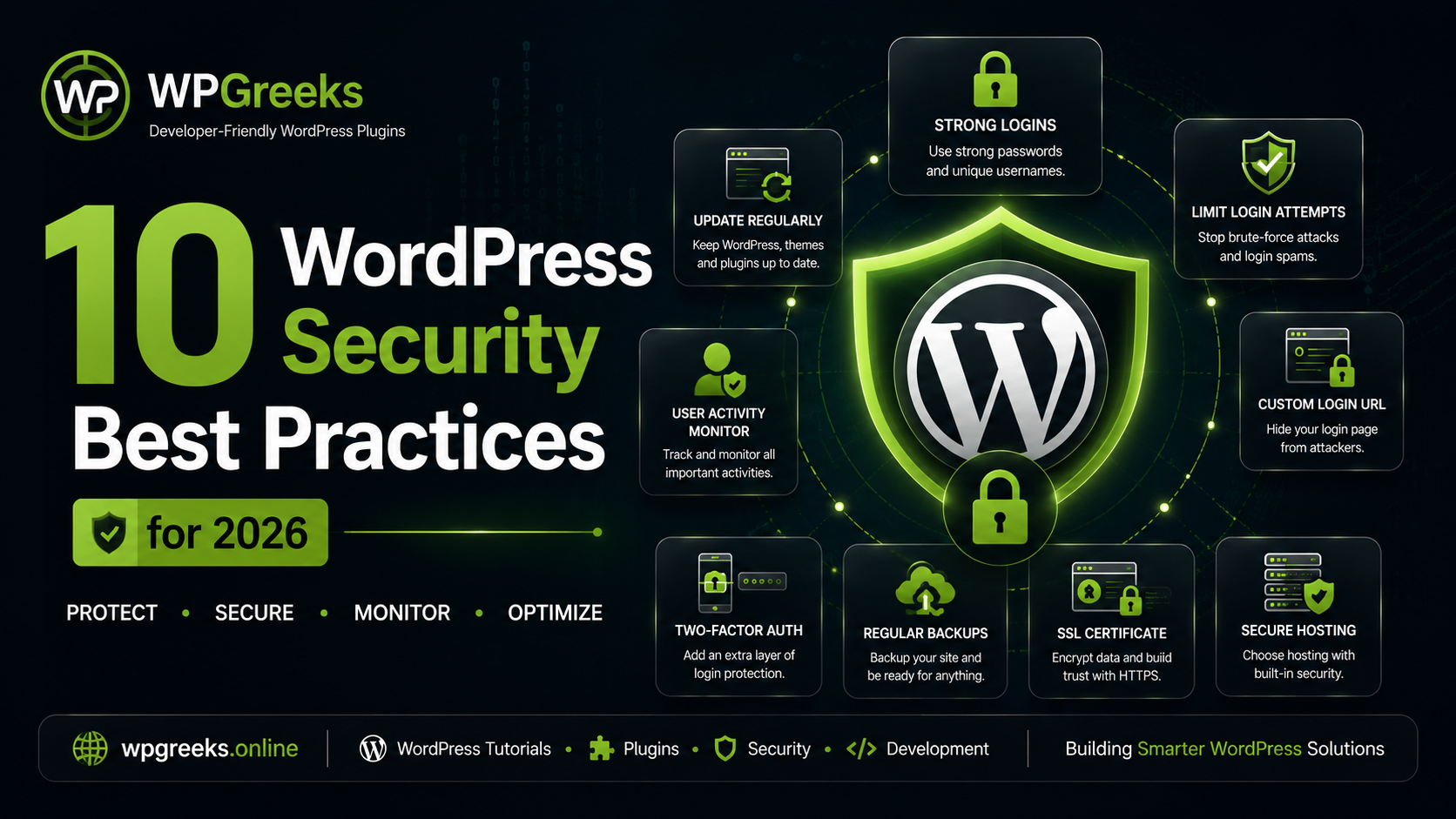
1. Keep WordPress Core Updated
WordPress releases regular updates that include security patches, bug fixes, and performance improvements. Running an outdated version can expose your website to known vulnerabilities.
Always update:
- WordPress Core
- Themes
- Plugins
Before major updates, create a backup to avoid compatibility issues.
2. Use Strong Login Credentials
Weak usernames and passwords remain one of the most common causes of compromised websites.
Best practices include:
- Avoid using “admin” as your username
- Use unique passwords
- Enable password managers
- Regularly update administrator credentials
A strong password should contain uppercase letters, lowercase letters, numbers, and symbols.
3. Customize Your Login URL
The default WordPress login page is publicly known, making it a frequent target for brute-force attacks.
Changing your login URL adds an additional layer of protection by reducing automated login attempts.
This feature is becoming increasingly popular among website owners seeking lightweight security improvements.
4. Limit Login Attempts
Attackers often use automated tools to guess passwords through repeated login attempts.
Limiting login attempts can:
- Prevent brute-force attacks
- Reduce server load
- Improve website security
Many security-focused plugins provide this functionality.
5. Install Trusted Plugins Only
Not all WordPress plugins are created equally.
Before installing a plugin:
- Check reviews
- Verify recent updates
- Review support activity
- Download only from trusted sources
Avoid abandoned plugins that no longer receive maintenance.
6. Enable Two-Factor Authentication (2FA)
Two-Factor Authentication requires users to provide an additional verification code during login.
Benefits include:
- Enhanced account protection
- Reduced risk of credential theft
- Improved administrator security
2FA is especially important for websites with multiple users.
7. Use Secure Hosting
Your hosting provider plays a major role in website security.
Look for hosting companies that offer:
- Malware monitoring
- Server-level firewalls
- Daily backups
- SSL certificates
- DDoS protection
A secure hosting environment significantly reduces security risks.
8. Schedule Regular Backups
Backups are your last line of defense if something goes wrong.
A reliable backup strategy should include:
- Daily database backups
- Weekly full-site backups
- Cloud storage copies
- Restoration testing
Backups allow you to recover quickly from security incidents or accidental mistakes.
9. Use SSL and HTTPS
SSL certificates encrypt communication between visitors and your website.
Benefits include:
- Better security
- Improved user trust
- Enhanced SEO rankings
- Secure data transmission
Most modern hosting providers offer free SSL certificates.
10. Monitor User Activity
Monitoring user activity helps website owners identify unusual behavior before it becomes a serious problem.
Useful monitoring practices include:
- Tracking login attempts
- Reviewing administrator actions
- Monitoring plugin changes
- Recording critical website modifications
Visibility into user actions can help prevent unauthorized changes.
Final Thoughts
WordPress security does not require complicated configurations or expensive solutions. By implementing these ten best practices, website owners can significantly reduce vulnerabilities and improve overall website protection.
Security should be treated as an ongoing process rather than a one-time setup. Regular updates, proactive monitoring, and smart security habits will help keep your website safe as WordPress continues to evolve.
At WPGreeks, we believe security should be simple, effective, and accessible to every WordPress user. Stay tuned for more tutorials, plugin insights, and WordPress development resources.