Blog
WordPress Performance Optimization in 2026: 10 Proven Ways to Speed Up Your Website

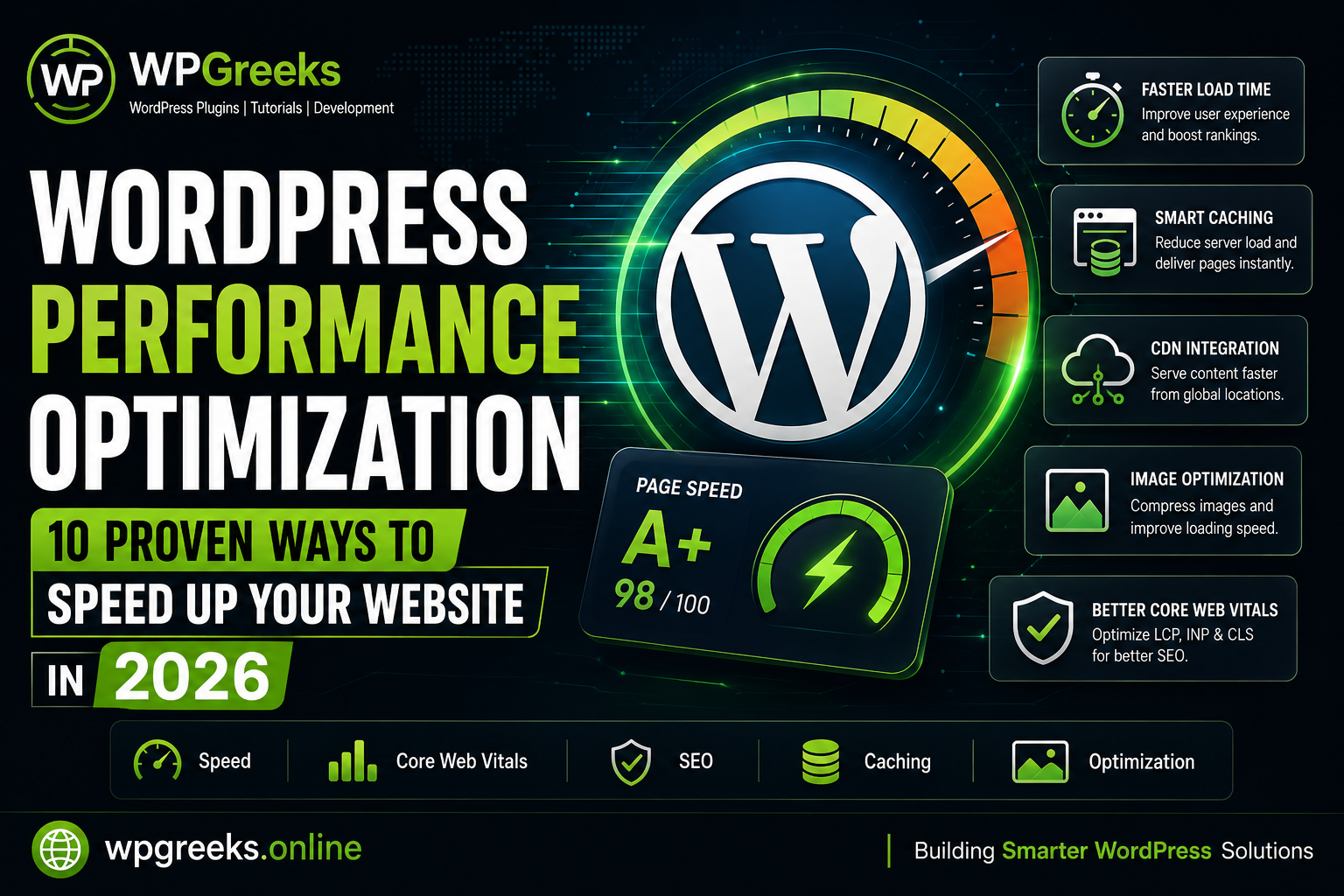
Website speed is no longer just a convenience—it’s a critical ranking factor, user experience metric, and conversion driver. In 2026, WordPress website owners must focus on performance optimization to stay competitive in search results and deliver a better browsing experience.
Whether you’re running a blog, business website, or WooCommerce store, these proven techniques can significantly improve loading times and Core Web Vitals scores.
Why Website Speed Matters
A slow website can lead to:
- Higher bounce rates
- Lower search engine rankings
- Reduced conversions
- Poor user experience
- Lower engagement metrics
Search engines continue to prioritize fast-loading websites, making performance optimization essential for long-term growth.
1. Choose Lightweight Themes
Avoid bloated themes packed with features you don’t use.
Look for themes that prioritize:
- Clean code
- Minimal dependencies
- Mobile responsiveness
- Performance-first architecture
A lightweight theme provides a strong foundation for a fast website.
2. Optimize Images Before Uploading
Large images remain one of the biggest causes of slow websites.
Best practices include:
- Using WebP format
- Compressing images
- Resizing images appropriately
- Implementing lazy loading
Optimized images can dramatically reduce page size.
3. Use Caching Effectively
Caching reduces server processing time and speeds up page delivery.
Common caching methods:
- Page caching
- Browser caching
- Object caching
- CDN caching
Proper caching can significantly improve load times.
4. Minimize Plugin Usage
Installing too many plugins can affect performance.
Regularly:
- Remove unused plugins
- Replace heavy plugins with lightweight alternatives
- Audit plugin impact on speed
Quality matters more than quantity.
5. Enable a Content Delivery Network (CDN)
CDNs distribute content across global servers, reducing latency.
Benefits include:
- Faster global access
- Reduced server load
- Improved reliability
- Better user experience
6. Optimize Database Performance
Over time, WordPress databases accumulate unnecessary data.
Regular maintenance should include:
- Removing post revisions
- Cleaning transients
- Optimizing database tables
- Deleting spam comments
A clean database improves overall performance.
7. Reduce External Requests
Every external script adds loading overhead.
Review:
- Third-party widgets
- Excessive fonts
- Tracking scripts
- Social embeds
Only load resources that provide real value.
8. Improve Core Web Vitals
Google continues to emphasize Core Web Vitals.
Focus on:
- Largest Contentful Paint (LCP)
- Interaction to Next Paint (INP)
- Cumulative Layout Shift (CLS)
Optimizing these metrics improves both SEO and user experience.
9. Use Modern Hosting Infrastructure
Hosting quality directly affects performance.
Choose providers that offer:
- SSD/NVMe storage
- PHP 8.x support
- Server-level caching
- Reliable uptime
A powerful hosting environment creates a strong performance foundation.
10. Regularly Test Website Speed
Performance optimization isn’t a one-time task.
Monitor your website using speed testing tools and review:
- Page load times
- Mobile performance
- Core Web Vitals
- Server response times
Continuous monitoring helps identify new bottlenecks.
Final Thoughts
WordPress performance optimization remains one of the most effective ways to improve SEO, user engagement, and conversion rates. By implementing these best practices, website owners can create faster, more reliable websites that perform well in both search engines and real-world usage.
At WPGreeks, we believe that a fast website is the foundation of a successful online presence. Small improvements made consistently can lead to significant long-term results.