Blog
How I Achieved 97 & 99 Google PageSpeed Insights Score Without Using Any Paid Speed Optimization Plugin

Website speed isn’t just a performance metric anymore—it directly impacts user experience, search engine rankings, conversions, and overall website quality.
When I started building WPGreeks, my goal wasn’t simply to create another WordPress plugin website. I wanted a website that loaded incredibly fast while maintaining modern design, responsive layouts, and high-quality visuals.
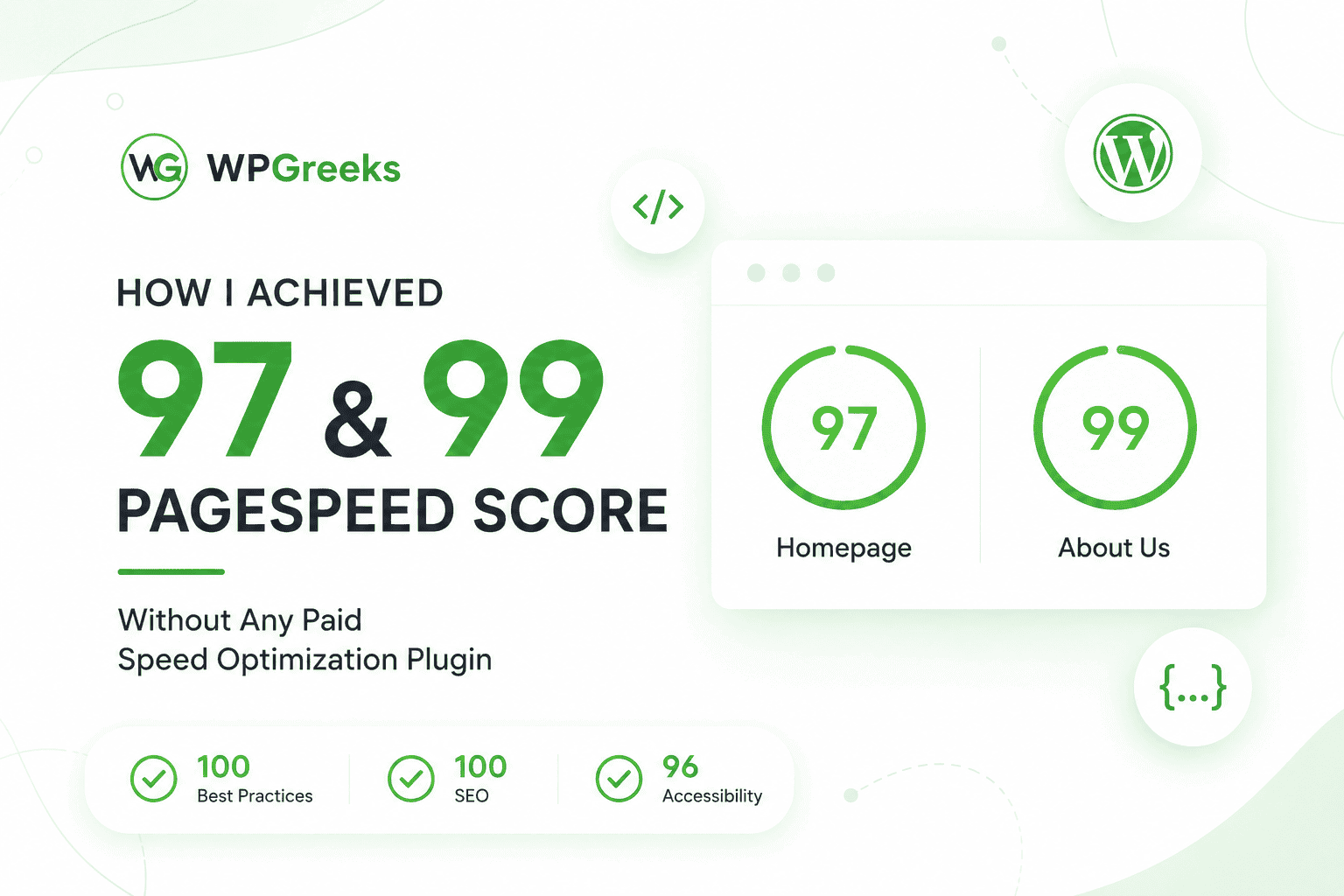
Today, I’m happy to share that the website achieves:
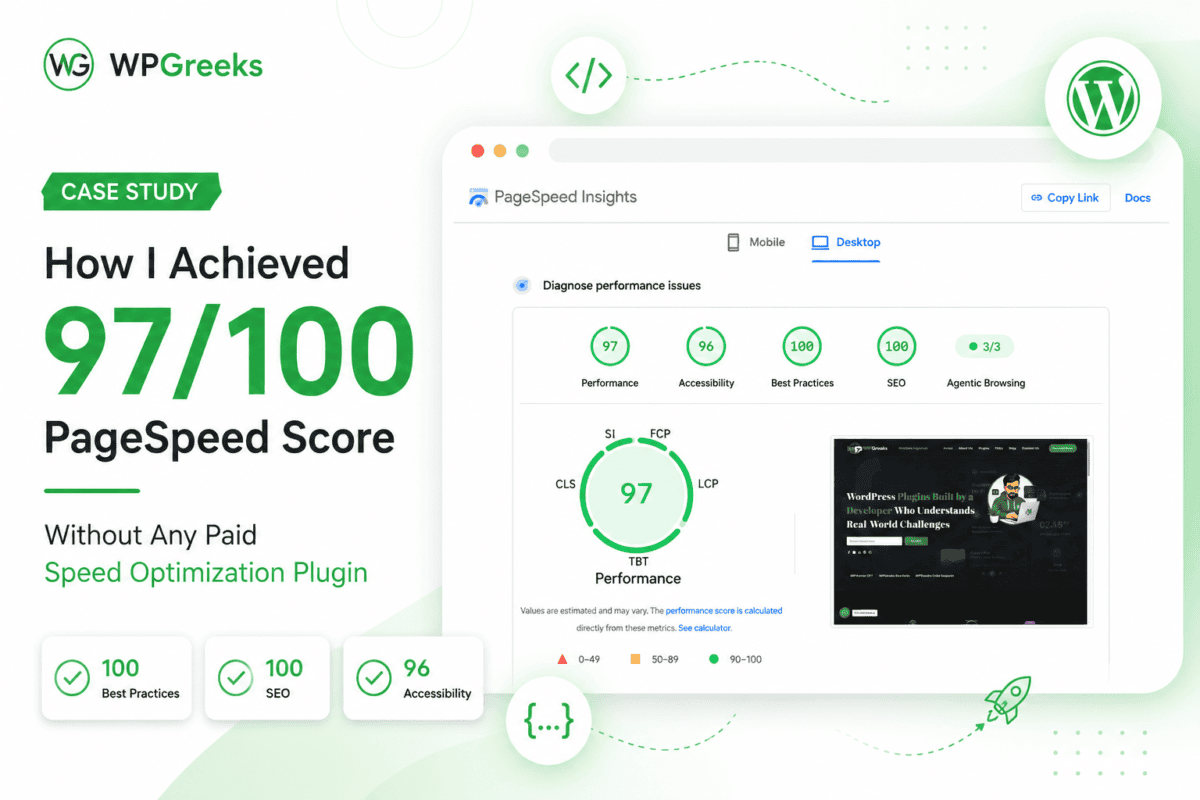
- 97/100 Performance on the Homepage
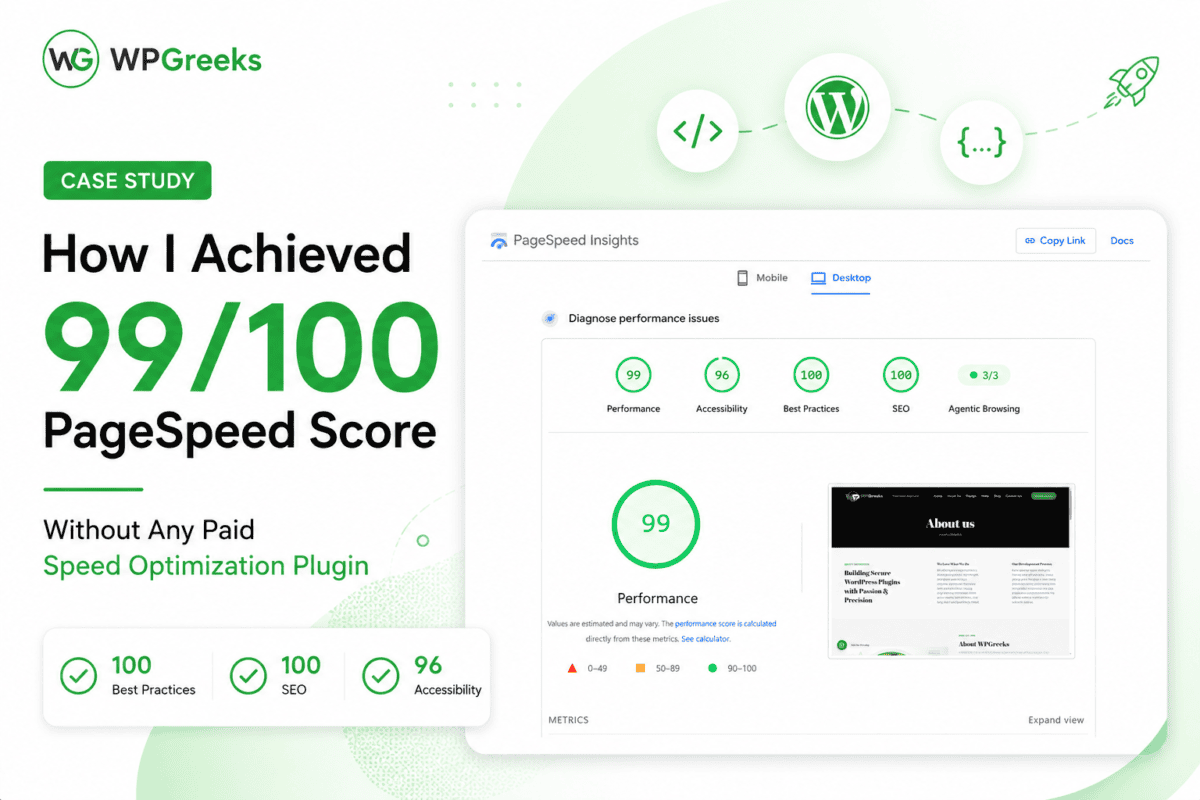
- 99/100 Performance on the inner pages
- 100 Best Practices
- 100 SEO
- 96 Accessibility
Most importantly…
I achieved these scores without purchasing any premium speed optimization plugin.
The Biggest Myth About WordPress Speed
One of the biggest misconceptions in the WordPress community is:
“You need expensive optimization plugins to get high PageSpeed scores.”
In reality, plugins only optimize what already exists.
If your website is poorly built, overloaded with unnecessary scripts, oversized images, bloated CSS, and unoptimized JavaScript, no plugin can completely solve those issues.
Performance starts during development—not after launching the website.
My Optimization Philosophy
While building WPGreeks, I focused on writing clean, efficient code instead of relying on heavy optimization tools later.
Every section was designed with performance in mind.
Instead of adding unnecessary animations, third-party libraries, or excessive page builders, I kept everything lightweight and purposeful.
The result was a fast, responsive website that performs well across Google PageSpeed Insights.
What Helped Improve Performance
1. Lightweight Website Structure
A clean HTML structure reduces rendering time and helps browsers process pages more efficiently.
Instead of unnecessary nested containers and excessive elements, I kept the layout simple and semantic.
2. Optimized Images
Images are often the largest assets on a website.
To reduce loading times:
- Images were properly compressed.
- Appropriate dimensions were used.
- Modern image formats were preferred where suitable.
- Large files were avoided whenever possible.
This significantly reduced page weight without sacrificing visual quality.
3. Minimal Third-Party Requests
Every external script adds additional network requests.
Rather than loading multiple marketing tools, chat widgets, and unnecessary tracking scripts, I only included resources that genuinely improved the website.
Less JavaScript means faster rendering.
4. Clean CSS & JavaScript
Instead of loading large frameworks for simple tasks, styles and scripts were written efficiently.
Unused code was minimized, helping browsers download and process fewer assets.
5. Proper Caching
Browser caching allows returning visitors to load assets much faster.
Combined with server-side caching, this helps reduce server response times and improves overall performance.
6. Quality Hosting Matters
Even the best optimization techniques cannot compensate for slow hosting.
Choosing reliable hosting with modern server infrastructure makes a significant difference in performance.
7. Mobile-Friendly Design
Although the desktop scores are excellent, responsiveness was equally important.
Every page was designed to adapt smoothly across different screen sizes without unnecessary layout shifts.
8. Performance-First Development
Rather than building first and optimizing later, every section was developed with speed as a priority.
This approach prevented performance issues before they occurred.
The Results
The optimization efforts resulted in excellent PageSpeed Insights scores.
Homepage
- Performance: 97
- Accessibility: 96
- Best Practices: 100
- SEO: 100
About Us Page
- Performance: 99
- Accessibility: 96
- Best Practices: 100
- SEO: 100
These scores were achieved while maintaining a professional design and smooth user experience.
Why Website Speed Matters
A faster website benefits both users and search engines.
Some of the biggest advantages include:
- Better user experience
- Lower bounce rates
- Faster page loading
- Improved Core Web Vitals
- Better search engine rankings
- Higher conversion potential
- Improved mobile experience
Even a small improvement in loading time can positively impact user engagement.
Is 100/100 Always Necessary?
Not necessarily.
Many developers chase a perfect score of 100, but real-world performance matters more than a number.
A website that consistently scores between 95–100 while delivering a great user experience is generally in an excellent position.
The focus should always be on real visitors rather than simply optimizing for testing tools.
Final Thoughts
Building a fast WordPress website doesn’t always require expensive optimization plugins or premium performance tools.
By focusing on clean development practices, optimized assets, efficient code, and thoughtful design decisions, it’s possible to achieve outstanding PageSpeed Insights scores without increasing project complexity.
For WPGreeks, speed wasn’t treated as an afterthought—it was part of the development process from day one.
These results reinforce an important lesson:
Good performance starts with good development, not expensive plugins.
Frequently Asked Questions (FAQs)
Q1: Do I need a premium speed optimization plugin to get high PageSpeed scores?
A: No. Clean code, optimized images, quality hosting, proper caching, and lightweight design can deliver excellent results without relying on premium optimization plugins.
Q2: Is a 97 or 99 PageSpeed score considered good?
A: Yes. Any score above 90 is considered excellent by Google. Consistently achieving scores between 95 and 100 indicates a well-optimized website.
Q3: Does PageSpeed score affect SEO?
A: Page speed is one of many ranking factors. A faster website improves user experience, supports better Core Web Vitals, and can positively contribute to search performance.
Q4: Can every WordPress website achieve similar scores?
A: Many websites can significantly improve their scores by reducing unnecessary scripts, optimizing media, using efficient themes, and following performance-first development practices. The exact score depends on the site’s complexity and functionality.