Blog
7 Essential WordPress Plugins Every Website Should Consider in 2026

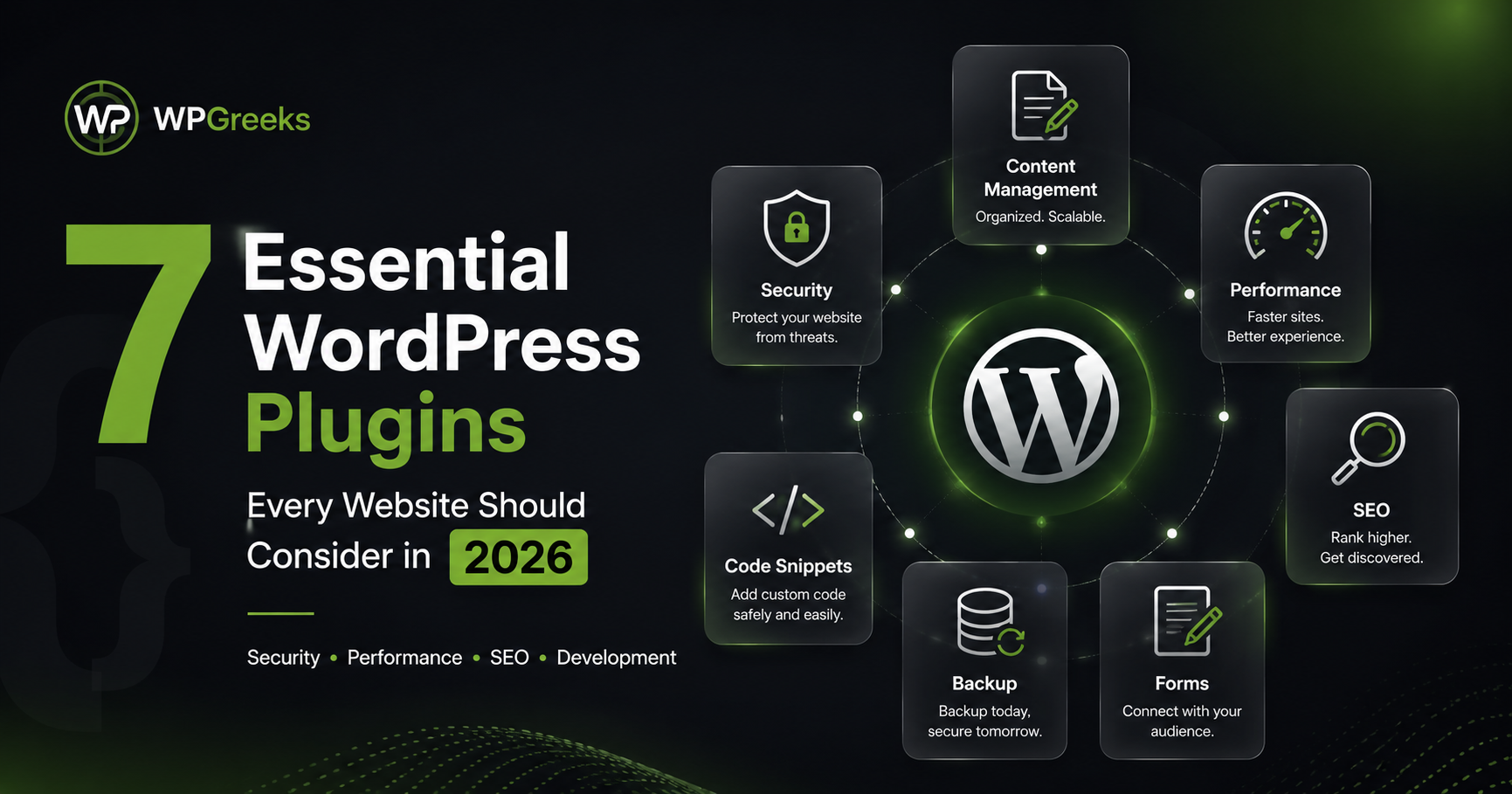
WordPress continues to power millions of websites worldwide, making it one of the most flexible and user-friendly content management systems available today. Whether you run a personal blog, business website, portfolio, or eCommerce store, choosing the right plugins can significantly improve functionality, performance, and user experience.
In this article, we explore seven essential types of WordPress plugins that can help website owners manage content more effectively, improve security, optimize performance, and streamline development workflows.
1. Custom Post Type Management Plugins
As websites grow, standard posts and pages often become limiting. Businesses may need separate content structures for portfolios, testimonials, team members, case studies, services, or products.
Custom Post Type plugins allow website owners to create and manage structured content without editing theme files or writing custom code.
Benefits include:
- Better content organization
- Improved scalability
- Easier content management
- Enhanced user experience
Plugins like WPGreeks CPT simplify the process of creating Custom Post Types and Custom Taxonomies through an intuitive interface.
2. Code Snippet Management Plugins
Adding custom functionality often requires inserting PHP, CSS, JavaScript, or tracking codes into a WordPress website.
Instead of modifying theme files directly, code snippet management plugins provide a safer and more organized approach.
Advantages include:
- Easier maintenance
- Reduced risk during theme updates
- Better organization of custom code
- Faster development workflow
These tools are especially useful for developers, agencies, and advanced website owners.
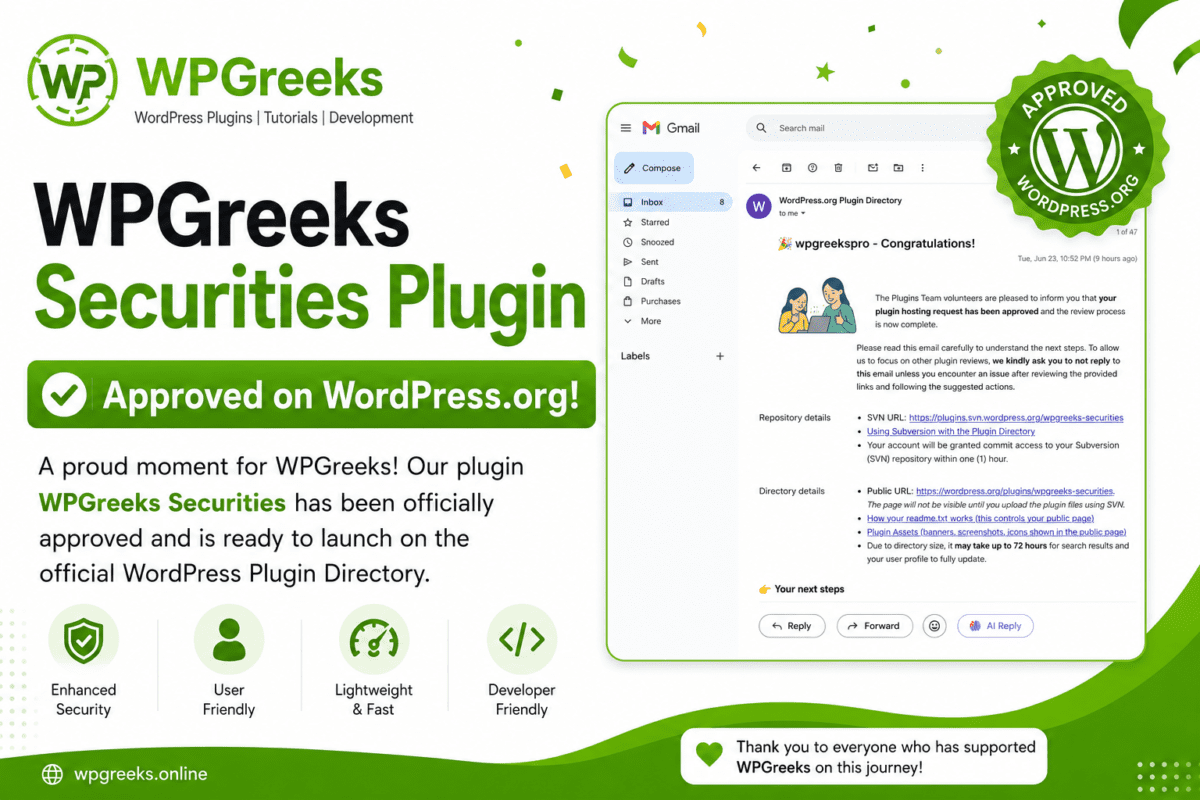
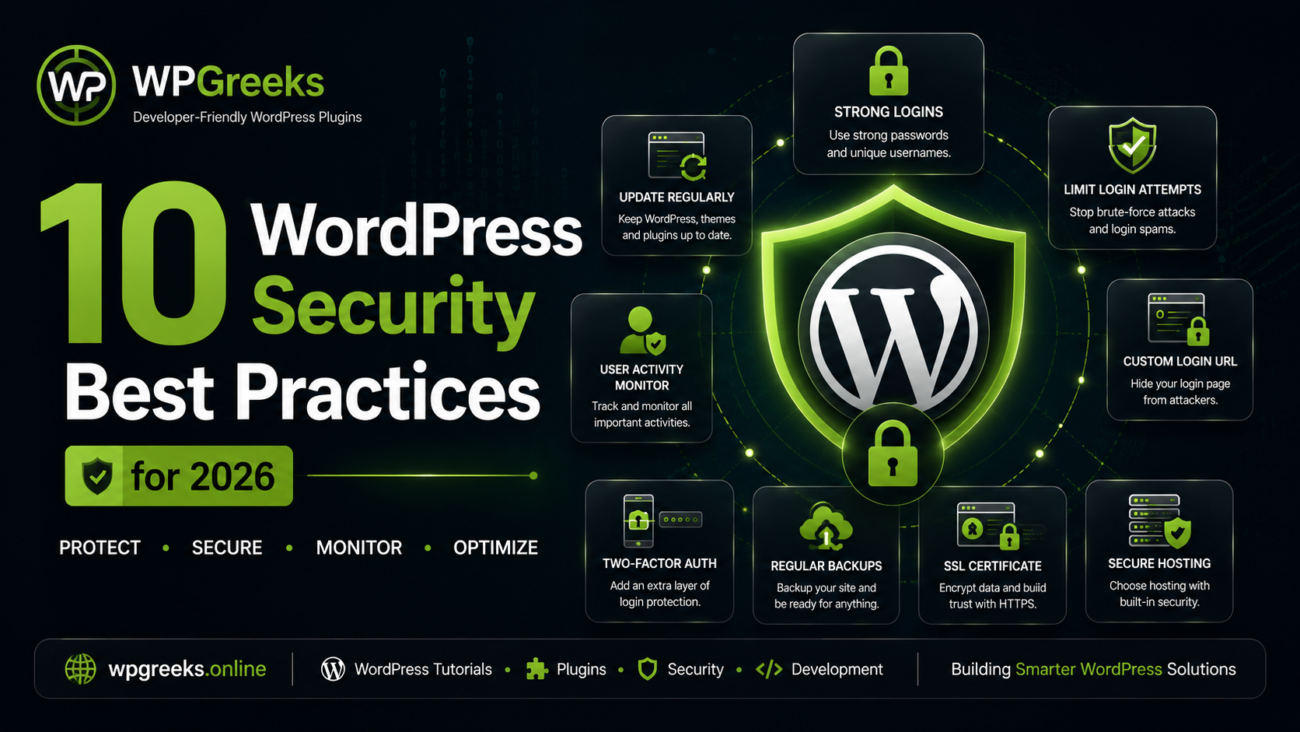
3. Security Enhancement Plugins
Website security remains one of the most important aspects of WordPress management.
Modern security plugins help protect websites through features such as:
- Login URL customization
- Brute-force protection
- User access controls
- Security monitoring
- Activity logging
Even basic security improvements can significantly reduce the risk of unauthorized access.
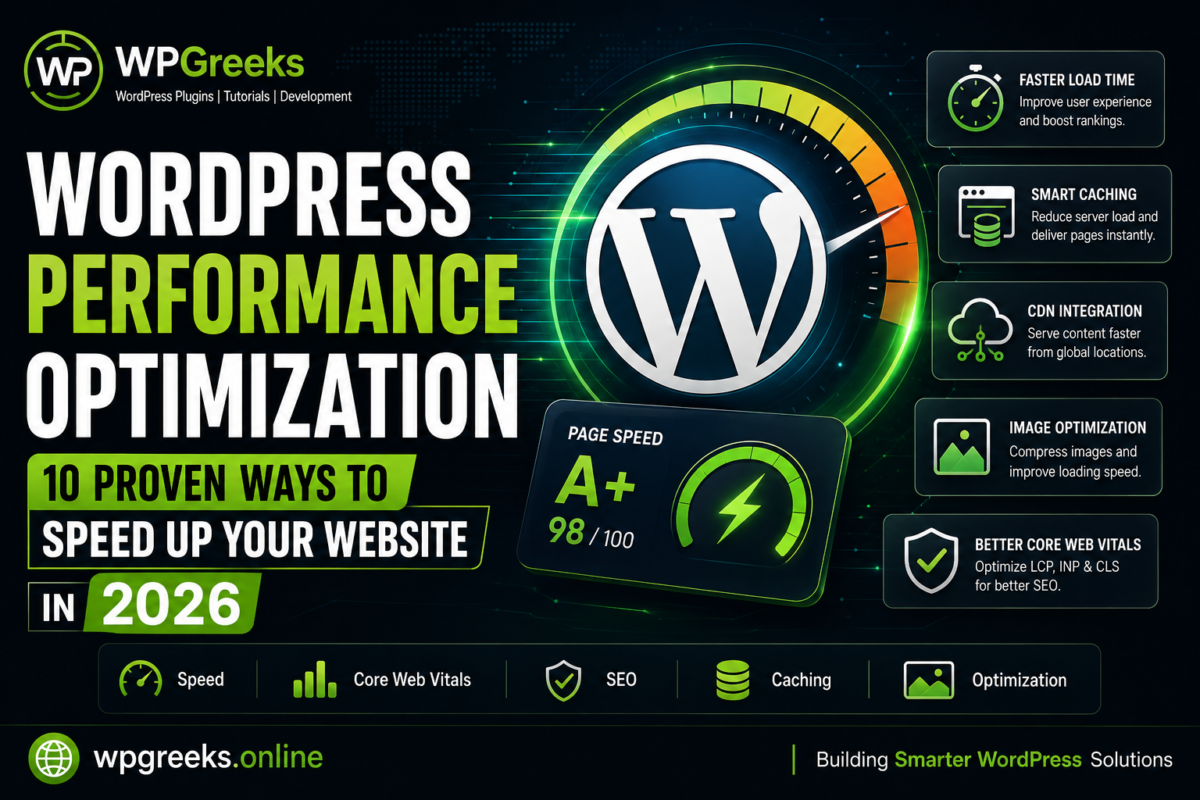
4. Performance Optimization Plugins
Website speed directly impacts user experience, search engine rankings, and conversion rates.
Performance optimization plugins typically help with:
- Page caching
- Asset optimization
- Database cleanup
- Image compression
- Script management
A fast website not only improves SEO but also increases visitor engagement.
5. SEO Plugins
Search Engine Optimization helps websites gain visibility in search results.
A good SEO plugin assists with:
- Meta titles and descriptions
- XML sitemaps
- Schema markup
- Content analysis
- Social media integration
Proper SEO configuration ensures search engines can better understand and index your content.
6. Backup and Recovery Plugins
Regular backups provide protection against accidental data loss, plugin conflicts, hosting issues, or security incidents.
Website owners should maintain automated backups that can be restored quickly whenever needed.
Recommended backup practices include:
- Daily database backups
- Weekly full-site backups
- Off-site storage
- Regular restoration testing
7. Form Builder Plugins
Forms play a critical role in lead generation, customer support, and user engagement.
Popular use cases include:
- Contact forms
- Quote requests
- Newsletter subscriptions
- Feedback forms
- Registration forms
A reliable form builder helps businesses communicate effectively with visitors while collecting valuable information.
Final Thoughts
The WordPress ecosystem continues to evolve, offering website owners powerful tools for customization, security, and performance. Rather than installing dozens of plugins, focus on selecting lightweight, well-maintained solutions that solve real problems.
At WPGreeks, our goal is to develop practical WordPress tools that simplify website management while maintaining performance and usability. From custom content management to developer-focused utilities, we are committed to building solutions that help WordPress users work smarter and grow faster.
Stay tuned for more WordPress tutorials, plugin reviews, development tips, and industry updates from WPGreeks.